 Fluentix
 Trips
Trips is a separate Fluentix product from Pathways. Pathways is a year-round guided sequence, Trips is a single planned experience, a language trip, a subject trip, or a career experience, arranged for a specific group on specific dates.
Every trip is run by a licensed travel provider, not by Fluentix on its own, and every trip needs school, teacher, and parent approval first. No destination, date, provider, or total cost is confirmed on this page, and nothing can be booked here.
The per-student planning fee for a trip is set in the teacher pricing area, with the licensed provider's own fee on top, students and parents are told what a specific approved trip costs by their school, not from this page.
Trips is not a booking page and makes no promise about a destination, a price, or a place on any trip.
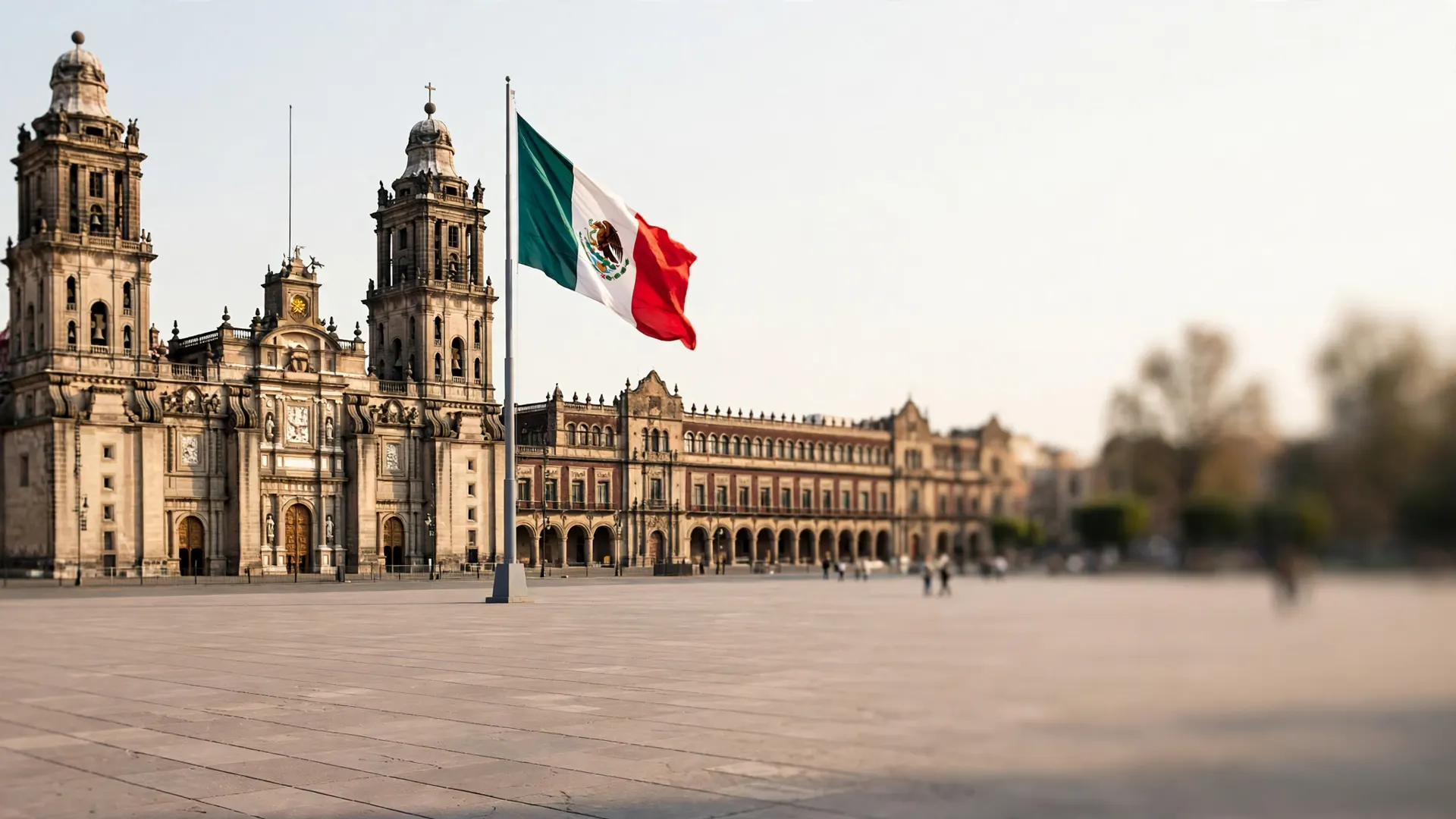
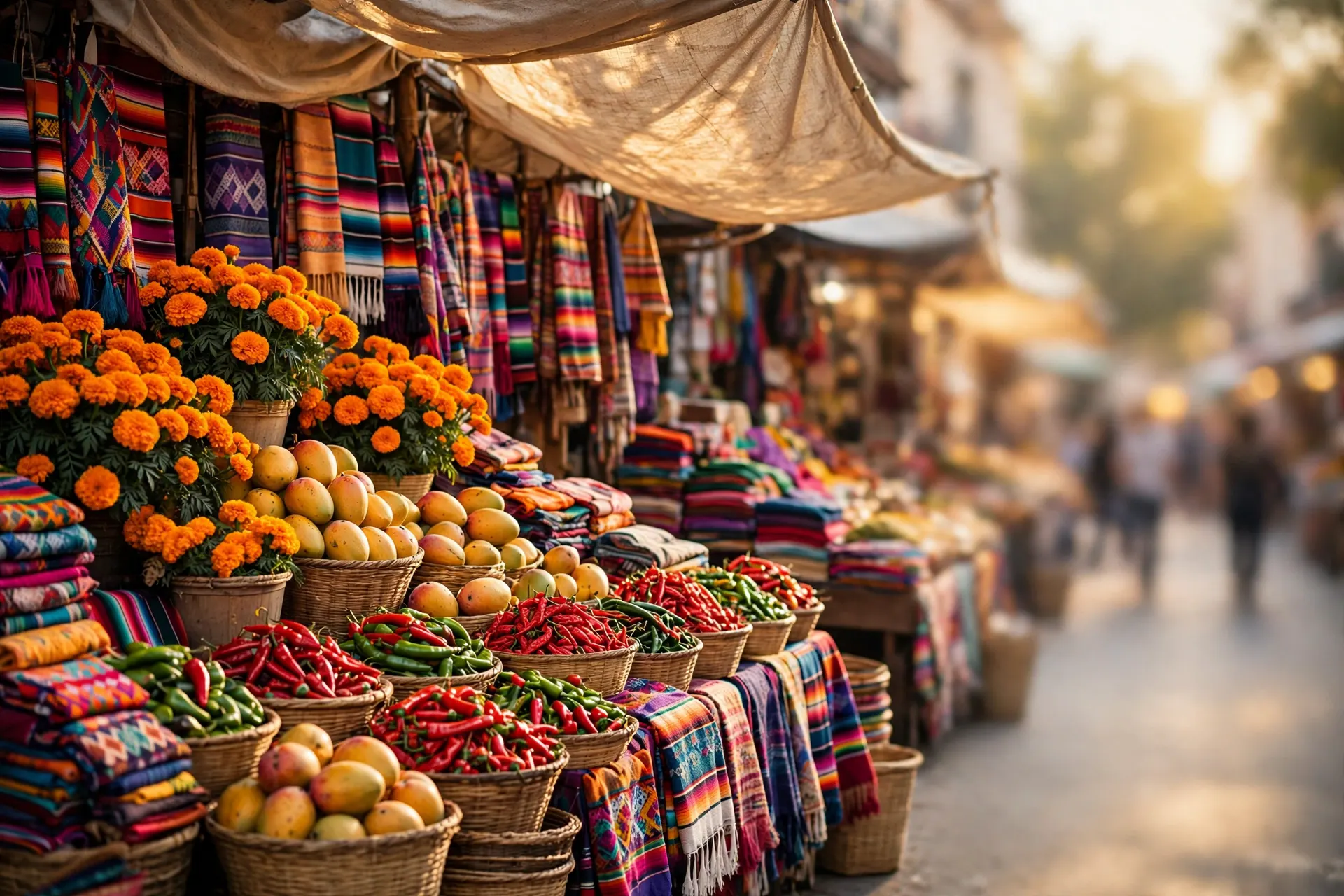

Travel Assistant
Your pocket kit for the trip — the same place you practised in the scenes and Pathways, now in your pocket. Pick a destination; everything below speaks its language and its local variety.
Plugs: Type A / B (same as the US) · 127 V
Money: Mexican peso (MXN $)
Tipping: Restaurants: 10–15% is customary and usually not included. Tip in cash where you can, and tip porters and guides a small amount per bag or tour.
Do
- Greet people when you enter a shop or restaurant — “buenas tardes” goes a long way.
- Use usted with older people and officials until they invite you to use tú.
- Try the food you are offered; compliments about the food are always welcome.
Don't
- Don't drink tap water — bottled or filtered water is the norm, and locals will tell you the same.
- Don't put your hands on your hips in an argument — it reads as aggressive.
- Don't be surprised if “ahorita” (right now) means sometime soon rather than this minute.
Good to know
- Lunch is the main meal, usually between 2 and 4 pm; dinner is lighter and later.
- Mexico City sits at 2,240 m — take the first day gently and drink water.
- The Metro is cheap and fast but very crowded at rush hour; keep bags in front of you.
Sound like a local — Mexican Spanish (es-MX)
¿Qué onda?
The everyday casual greeting between friends and people your age. With elders or officials, stick to buenos días / buenas tardes.
“Muchas gracias” is warm and standard; you'll also hear a quick “gracias, ¿eh?” — friendliness matters more than formality.
- órale informal — wow / come on / OK then
Does a dozen jobs: surprise, encouragement, agreement. Fine with friends and in markets. - mande casual — pardon? / yes?
The polite Mexican way to say “sorry, what was that?” — using it marks you as well brought up. - qué padre informal — how cool / great
Padre (father) means cool in Mexico — and only in Mexico. - no manches informal — no way / you're kidding
Mild and everywhere. The stronger version exists; this is the classroom-safe one. - ¿a poco? casual — really? / is that so?
A friendly surprise reaction you'll hear daily. - águas informal — watch out / careful
Literally “waters” — a genuinely useful warning word on busy streets. - ahorita casual — in a moment (roughly)
Famously elastic: ahorita can mean now, in five minutes, or later today. Don't plan tight connections around it. - chido slang — cool
Recognition-first: you'll hear it from young people; qué padre is the safer one to say yourself.
Register guide: casual is everyday-friendly, informal is for friends and peers, slang is recognition-first — understand it, and only use it lightly, if at all.
Use the Travel Assistant on your trip
- 1
Pick your destination at the top of the assistant — Mexico City, Madrid, Rio de Janeiro, Montréal, Buenos Aires, Lisbon, or Paris — and every tool below switches to its language and its local variety. The “Destination kit” tab gives you the essentials first: the emergency numbers for police, ambulance, and fire, plugs and voltage, the local money, tipping, the local do's and don'ts, and a “Sound like a local” set of greetings and expressions, each labelled by register.
- 2
In the “Phrasebook” tab, choose a situation — greetings & basics, directions, transport, hotel, restaurant & food, shopping & money, health & pharmacy, or emergencies — then select “Listen” to hear a phrase spoken, or “Show” to display it full-screen for the person in front of you.
- 3
The “Voice translator” tab works both ways between English and the destination language: type what you want to say, or select “Speak instead” where your browser supports it, then “Translate”. Translations come from Fluentix's own phrasebook and dictionary, or from your browser's on-device translator where it has one — and the result says which. If neither can translate a sentence reliably, the translator tells you and points you back to the phrasebook; it never makes a translation up.
- 4
“Show cards” are made for handing your phone to someone: fill in your allergies, any medical conditions, and the address you need to reach, then tap a card — your allergy & medical card, your address card, or the ready-made help cards — to show it full-screen in the local language. Those details are stored only in this browser, on this device — they are never sent anywhere.
- 5
“Money & measures” converts currencies and everyday measures (distance, weight, and temperature), and repeats the tipping guidance for your destination. The currency rates are reference rates only, not live rates — the tab shows the rates it used and their date, so check today's rate before you rely on them.
- 6
“Checklists” gives you a packing list and a travel-documents list for your destination. Tick items off as you pack — the ticks are kept on this device only.
- 7
The “My Travels” tab is your travel passport: it lists every city and attraction in Fluentix, continent by continent, and keeps two marks for each — “Practised” for the places you have studied here, and “Been there” for the places you have visited in real life. Mark a whole city at once, or open it and mark attraction by attraction. The passport at the top counts your cities, countries, and continents and shows what percentage of the Fluentix world you have visited — percentages always count the places listed in Fluentix, never the whole planet. Cities you have practised but not yet visited gather under “Your next trips”, ready to become real ones. Signed in, your marks save to your account; otherwise they stay in this browser, on this device.
- 8
The “Camera helper” tab reads menus, signs, and posters for you: choose “Menu” or “Signs & posters”, take a photo (on a phone the button opens the camera) or pick one you already took, then select “Read the photo”. The words are read on your device — the photo is never uploaded by this feature — and explained from Fluentix's own dictionary and phrasebook: menu lines get a translation and a “what it is”, matched signs get their phrasebook meaning and a “Listen” button, and anything else is helped word by word from the dictionary, labelled as a glossary rather than a translation. Lines we can't match are shown exactly as read; we never guess. If your Show Cards note lists allergies, menu lines are checked against them and possible matches are flagged — a word match only, never a safety guarantee, so always check with staff before ordering. Identifying a place from a photo (“What place is this?”) is not switched on yet: it needs a vision service that isn't configured, and the tab says so rather than pretending.
How it works
- 1
A trip starts as a single planned experience — a language trip, a subject trip, or a career experience — arranged for a specific group on specific dates.
- 2
Every trip needs school, teacher, and parent approval first.
- 3
Every trip is run by a licensed travel provider, not by Fluentix on its own.
- 4
Students and parents are told what a specific approved trip costs by their school, not from this page.